Try AIproff
See what grading a test with AIproff looks like before you print your own.
Print one sheet
Open the grader, pick a test size, and print the answer sheet at 100%. One sheet is enough to try it out.
Fill it in like a student
Mark the bubbles in pen, filling each one completely. Leave one question blank on purpose, to hear what happens.
Type in the key and point the camera
Frame the whole sheet. The score is spoken within seconds, and the class summary appears with the first graded test.
Or try it right now, with no printer
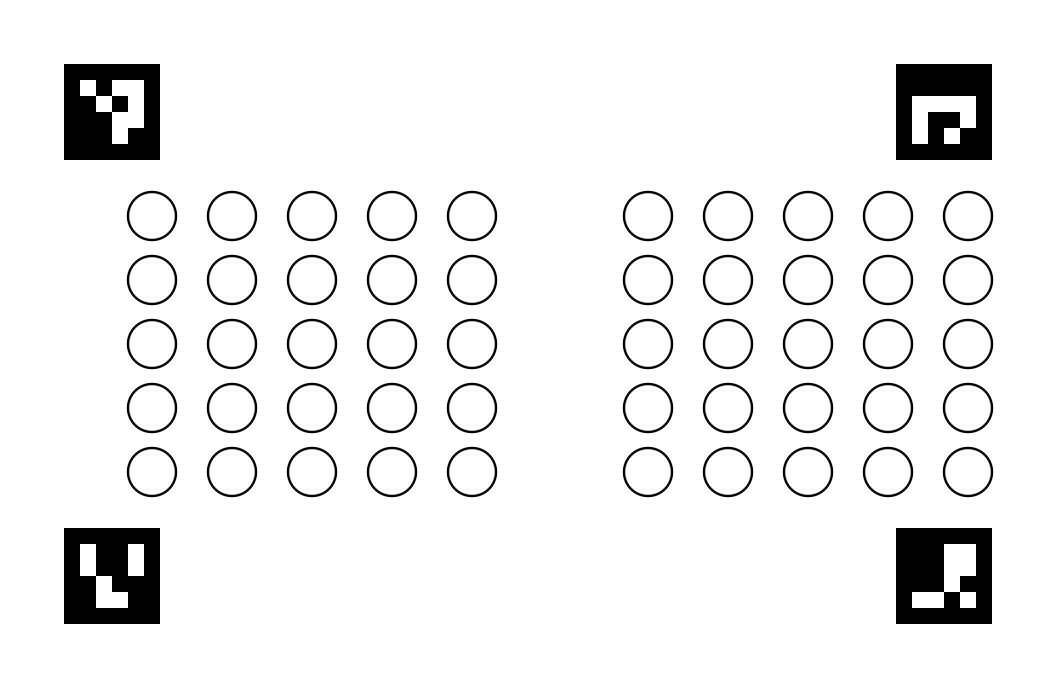
The sheet below is fake, but the grading is real: the same grader, reading the same geometry. What changed is that the paper became a screen — which is why the expected score is written here, before you turn the camera on.
Answer key to type in
A C E D D A C B A D
Expected score 7.0
Sheet 1
The sheets are drawn at random and change on their own every five seconds, like a stack going through your hands — never the same class twice. The blank gap between them is not decoration: it is what tells the grader a new sheet has arrived, rather than the same one again.
- Put this page in fullscreen, with the sheet as large as it goes.
- On your phone, open the grader and create a 10-question answer key with the letters beside the sheet. Just once: the same key covers the whole class.
- Point the camera at the screen, with all four corner squares inside the frame.
- Listen to the scores coming out, one per sheet, and compare each with the expected one.
Hold the phone about one and a half times the sheet's width away from the screen — on a laptop, roughly 35 to 40 cm. Any closer and the whole sheet will not fit in the frame.
If the low sound keeps coming, it is almost always framing: back off until all four corner squares are visible at once. Screen brightness does not get in the way — it was tested at minimum and maximum, and read the same.
The grader itself is in Portuguese for now. The site is not.